Best Live TV Apps for Android Tablets in 2026
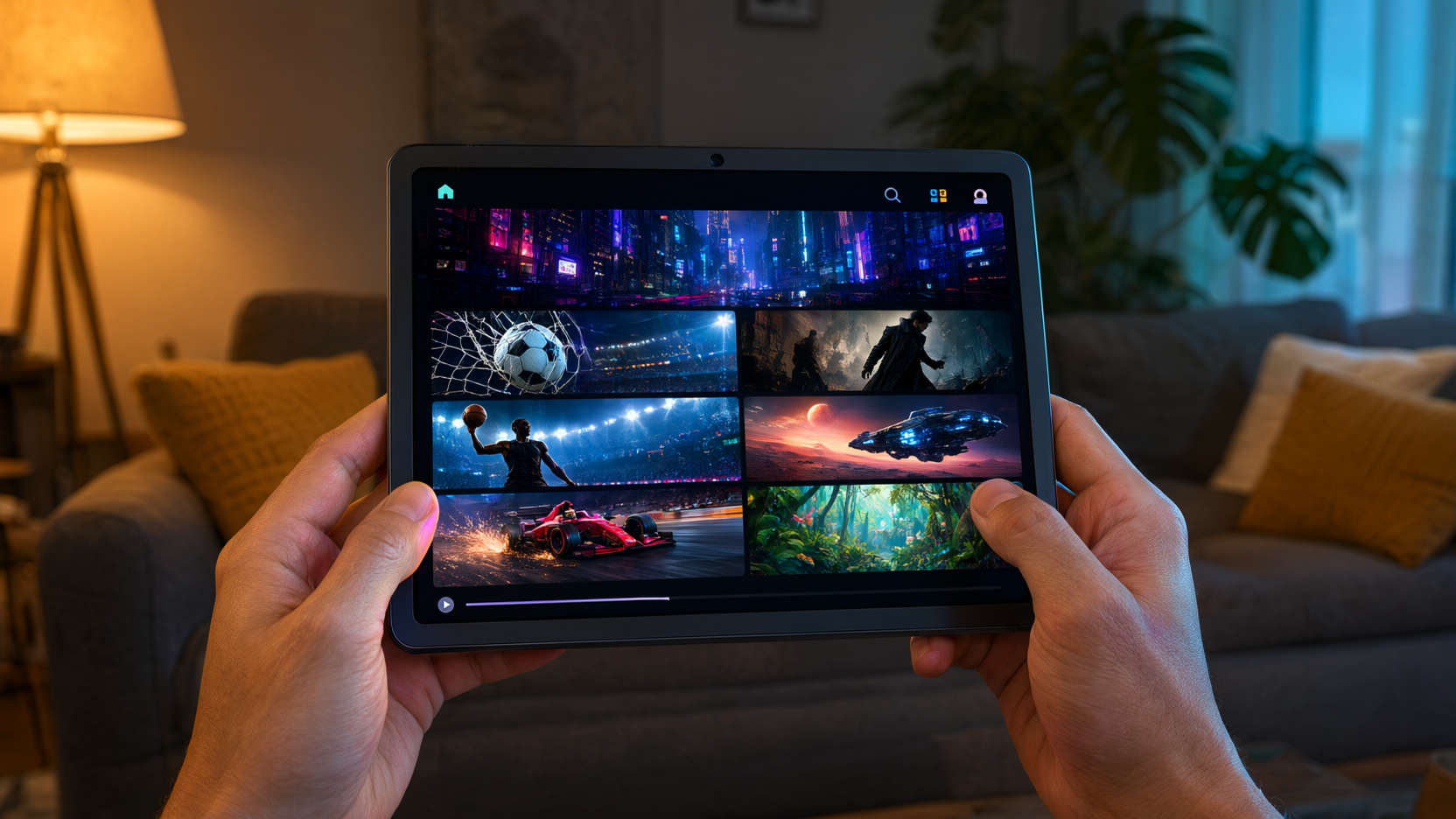
Discover the best live TV app for Android tablet in 2026. Compare free and paid options, features, and tips to watch live TV on your tablet.
One-line takeaway: The best live TV app for Android tablet in 2026 balances channel selection, stream reliability, and a tablet-friendly interface—and Playly TV nails all three.
Android tablets have become surprisingly capable entertainment hubs. With a big screen, decent speakers, and a battery that lasts through a movie marathon, they're perfect for watching live TV on the couch, in bed, or while traveling. But the Google Play Store is flooded with apps claiming to be the best live TV app for Android tablet, and many disappoint with buffering, clunky interfaces, or hidden costs.
In this guide, I'll break down what actually matters when choosing a live TV app for your Android tablet, compare the top free and paid options, and share practical tips to get the most out of your setup. Whether you're a sports fan, news junkie, or just want to cut the cord, this will help you decide.
What to Look for in a Live TV App for Android Tablet
Not all live TV apps are created equal, especially on tablets. Here's what separates the best from the rest:
- Tablet optimization: A good app should use the extra screen real estate—not just stretch a phone UI. Look for apps that support landscape mode and show more channels or an electronic program guide (EPG) without feeling cramped.
- Stream reliability: Nothing kills the vibe like constant buffering. The best apps have stable servers and adaptive bitrate streaming that adjusts to your Wi-Fi.
- Channel variety: Do you want news, sports, movies, or international channels? Make sure the app covers the genres you care about.
- Price and value: Free apps often come with ads or limited channels. Paid services should offer a free trial so you can test before committing.
- Cast support: Even though you're on a tablet, you might want to throw the stream to a bigger screen. Look for Chromecast or DLNA support.
Top Free Live TV Apps for Android Tablets
If you're on a budget, these free options are worth trying—but keep expectations realistic.
Pluto TV
Pluto TV is one of the most popular free live TV apps. It offers hundreds of channels, including news, sports, movies, and niche genres. The interface is clean and works well on tablets, and it's completely free with ads. The downside? You can't choose what's playing—it's like traditional TV, just over the internet.
Tubi
While Tubi is more known for on-demand movies, it also has a decent live TV section. The app is well-optimized for tablets and offers a surprising number of channels. Again, it's ad-supported, but the ads are usually short.
Redbox Free Live TV
Redbox offers a free live TV service with a solid mix of entertainment and news channels. The app is straightforward and works fine on tablets, though the channel list is smaller than Pluto's.
Free apps are great for casual viewing, but they often lack premium sports or local channels. If you're serious about live TV, a paid service is usually worth it.
Top Paid Live TV Apps for Android Tablets
Paid apps typically offer more channels, better reliability, and extra features like DVR or multiple streams. Here are the leading contenders in 2026.
YouTube TV
YouTube TV is a premium option with a robust channel lineup, including major networks, sports, and news. The app is excellent on tablets, with a responsive interface and cloud DVR. It's pricey at around $72.99/month, but you get what you pay for.
Hulu + Live TV
Hulu combines live TV with its massive on-demand library. The tablet app is well-designed, and you can watch on two screens simultaneously with the base plan. It's also on the pricier side, but if you want both live and on-demand, it's a solid choice.
Sling TV
Sling TV is a more affordable option, starting at $40/month. It lets you pick channel packages, so you only pay for what you watch. The app works well on tablets, though some users report occasional interface quirks.
Playly TV
Playly TV is a versatile streaming service that offers live TV, sports, and movies in one app. It's designed to work across Android TV, Fire Stick, phones, and tablets, so the experience is consistent no matter where you watch. On a tablet, the interface is clean, the EPG is easy to navigate, and streams are generally stable. Plus, it supports casting to your TV if you want to go big-screen. You can sign in easily and start watching right away.
Compared to the big names, Playly TV is often more budget-friendly and offers a broader range of international channels, which is a big plus if you want content from your home country.
How to Get the Best Experience on Your Android Tablet
Even the best live TV app for Android tablet will struggle if your device or network isn't up to snuff. Here are some practical tips:
- Use a good Wi-Fi connection: If you're at home, make sure your tablet is close to the router or consider a mesh network. For on-the-go, a strong 5G connection works well.
- Update your tablet: Older Android versions can cause compatibility issues. Keep your device updated to the latest OS.
- Close background apps: Streaming is resource-intensive. Free up RAM by closing unused apps to reduce buffering.
- Invest in a tablet stand: If you're watching for long periods, a stand keeps your hands free and your tablet at a comfortable angle.
If you're new to Android tablets, you might want to check out our Android TV setup guide—though it's focused on TV boxes, many tips apply to tablets too.
Free vs. Paid: Which Is Right for You?
The choice between free and paid live TV apps depends on your needs:
- Free apps are fine if you only watch occasionally and don't mind ads. They're also great for discovering new channels.
- Paid apps are better if you watch regularly, care about stream quality, or need specific channels like local news or live sports.
If you're considering cutting cable entirely, a paid live TV app can save you a lot of money. Check out our analysis on how much you can save by cutting cable to see the numbers.
Frequently Asked Questions
Can I watch live TV on my Android tablet for free?
Yes, apps like Pluto TV and Tubi offer free live TV with ads. However, the channel selection is limited and you can't choose what's playing. For more control, consider a paid service.
What is the best live TV app for Android tablet in 2026?
It depends on your budget and needs. YouTube TV and Hulu + Live TV are premium options with extensive channels. Sling TV is more affordable. Playly TV offers a good balance of price, channel variety, and tablet optimization.
Do live TV apps work on all Android tablets?
Most apps are compatible with modern Android tablets running Android 8.0 or higher. Older tablets might struggle with performance, so check the app's requirements.
Can I cast live TV from my tablet to my TV?
Many live TV apps support Chromecast or Google Cast. Look for the cast icon in the app. Playly TV also supports casting, so you can watch on your big screen.
Is it legal to watch live TV apps on Android tablets?
Yes, as long as you're using legitimate streaming services that have the rights to broadcast the channels. Avoid apps that offer pirated streams, as they're illegal and often unsafe.