Smart TV vs Android TV: Which One Should You Buy in 2026?
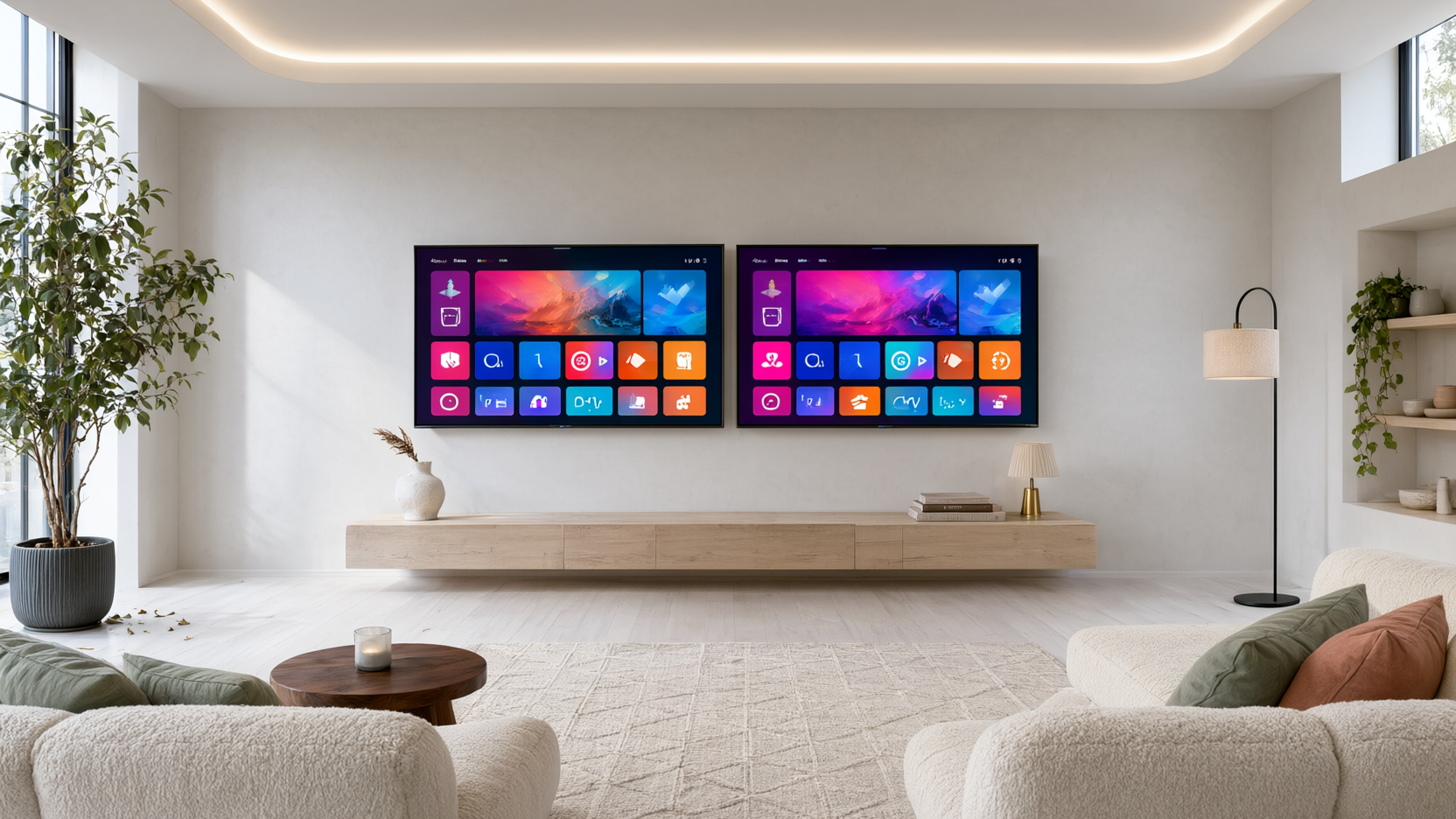
Smart TV vs Android TV: Compare features, apps, updates, and price to decide which is best for your streaming needs in 2026.
One-line takeaway: If you want the widest app selection, regular updates, and the flexibility to sideload apps, an Android TV (or a device that runs it) is the smarter buy in 2026 — but a plain smart TV is fine if you only use a few built-in apps.
When you’re shopping for a new television, you’ll see two main labels: “Smart TV” and “Android TV.” At first glance, they seem similar — both let you stream Netflix, YouTube, and other apps without extra hardware. But behind the scenes, they’re quite different. This guide breaks down the key differences so you can choose the right one for your living room (and your budget).
What Is a Smart TV?
A “smart TV” is a broad term for any TV with built-in internet connectivity and streaming apps. Every major brand — Samsung, LG, Sony, TCL, Hisense, and others — sells smart TVs. However, they don’t all run the same operating system. Some use proprietary platforms like Samsung’s Tizen or LG’s webOS, while others use Roku TV, Amazon Fire TV, or Google TV. The key thing is that the software is baked into the TV itself, and you can’t easily change it.
What Is an Android TV?
Android TV is a specific operating system developed by Google for televisions and streaming devices. It’s based on the Android mobile OS but optimized for the big screen. Android TV offers a familiar interface with a home screen full of app rows, Google Assistant built in, and access to the Google Play Store with thousands of apps. It also supports Google Cast, so you can send content from your phone to the TV with a tap.
Key Differences: Smart TV vs Android TV
1. App Selection and Flexibility
This is the biggest differentiator. A typical smart TV gives you a curated selection of apps — usually the most popular ones like Netflix, YouTube, Disney+, and Hulu. But if you want something niche, a regional streaming service, or a specialized app, you may be out of luck. Android TV, on the other hand, gives you access to the full Google Play Store for TV, which has thousands of apps. And because it’s Android, you can also sideload apps from APK files, opening up even more possibilities.
2. Updates and Longevity
Smart TVs are notorious for getting outdated quickly. Manufacturers often stop providing software updates after a few years, leaving your TV with security holes and missing new features. Android TV devices (like the Chromecast with Google TV or an Android TV box) tend to receive updates for longer, and Google regularly pushes security patches. Even if your TV’s built-in Android TV stops getting updates, you can always plug in a newer streaming device — a flexibility you don’t have with a proprietary smart TV platform.
3. Voice Control and Integration
Android TV comes with Google Assistant built in. You can search for shows, control smart home devices, and get answers using your voice. While some smart TVs have their own voice assistants (Alexa on Fire TV, Bixby on Samsung), Google Assistant is generally more powerful and integrates seamlessly with Android phones and Google Home. If you’re already in the Google ecosystem, Android TV is the natural choice.
4. Price and Hardware
You can find both smart TVs and Android TVs at a range of price points. However, Android TV is often found on budget-friendly TVs from brands like TCL, Hisense, and Sony, as well as on low-cost streaming devices. If you already own a decent smart TV but want Android TV features, you can buy an Android TV box for under $50 — a much cheaper upgrade than replacing the entire TV.
5. User Interface and Ease of Use
Smart TV interfaces vary widely. Some are clean and fast (like Roku), while others are cluttered with ads and slow menus. Android TV’s interface is consistent across devices, and it’s generally smooth and customizable. You can rearrange apps, add channels, and even change the launcher. For tech-savvy users, Android TV offers more control.
Which One Should You Buy in 2026?
Here’s a quick decision guide:
- Choose a smart TV if you only stream the big-name apps, want a simple setup, and don’t plan to tinker. Also, if you find a great deal on a TV with a smart platform you like (like Roku), it can be a good value.
- Choose Android TV if you want the largest app library, frequent updates, voice control, and the ability to sideload apps. It’s also the better choice if you enjoy customizing your experience.
In 2026, Android TV (and its successor, Google TV) has become the more future-proof option. Many cord-cutters are also moving to Android TV boxes to turn their “dumb” TVs into smart ones — and to access services like live TV streaming without cable.
Android TV Boxes: The Smart Solution
If you already own a smart TV that you’re happy with, you don’t need to toss it. An Android TV box — like the Nvidia Shield, Chromecast with Google TV, or a budget-friendly model — can give you all the benefits of Android TV without buying a new TV. This is especially appealing if your current TV’s smart features are slow or outdated. And with an Android TV box, you can easily install apps from the Play Store or sideload them.
Streaming Services and Android TV
If you decide to go with Android TV, you’ll want to make the most of it. One of the best uses is streaming live TV and sports. Services like Playly TV are designed to work seamlessly on Android TV devices, giving you access to hundreds of channels, sports packages, and movies — all in one place. You can watch live sports on Android TV without a cable subscription, and it’s cheaper than traditional cable.
Making the Final Choice
To sum it up, ask yourself: Do you want a TV that’s “smart enough” for basic streaming, or do you want a platform that can grow with you? If you’re a cord-cutter who loves exploring new apps and services, Android TV is the way to go. If you just want to press Netflix and watch, a simple smart TV will do.
Remember, you can also combine both: buy a smart TV for its display quality, then plug in an Android TV device for the best software experience. That’s what many enthusiasts do.
Frequently Asked Questions
Is Android TV better than a regular smart TV?
For most users, yes, because it offers a larger app selection, more frequent updates, and better voice control. However, some smart TV platforms like Roku are also excellent and easier for non-techies.
Can I install Android TV on my existing smart TV?
You can’t replace the built-in OS, but you can add an Android TV streaming device (like a Chromecast or an Android TV box) to any TV with an HDMI port. This gives you the full Android TV experience.
Do Android TVs cost more than regular smart TVs?
Not necessarily. Many budget brands like TCL and Hisense offer Android TVs at competitive prices. You can also buy an Android TV box for as little as $30–$50 if you already have a TV.
Will my smart TV become outdated?
Yes, eventually. Most smart TV manufacturers stop updating software after 2–3 years. Android TV devices are more likely to receive longer support, and you can always replace the streaming device instead of the whole TV.
Can I watch live TV on an Android TV?
Absolutely. You can use apps like Playly TV, which provides live TV channels, sports, and movies. Many cord-cutters use Android TV boxes specifically to stream live TV without a cable subscription.