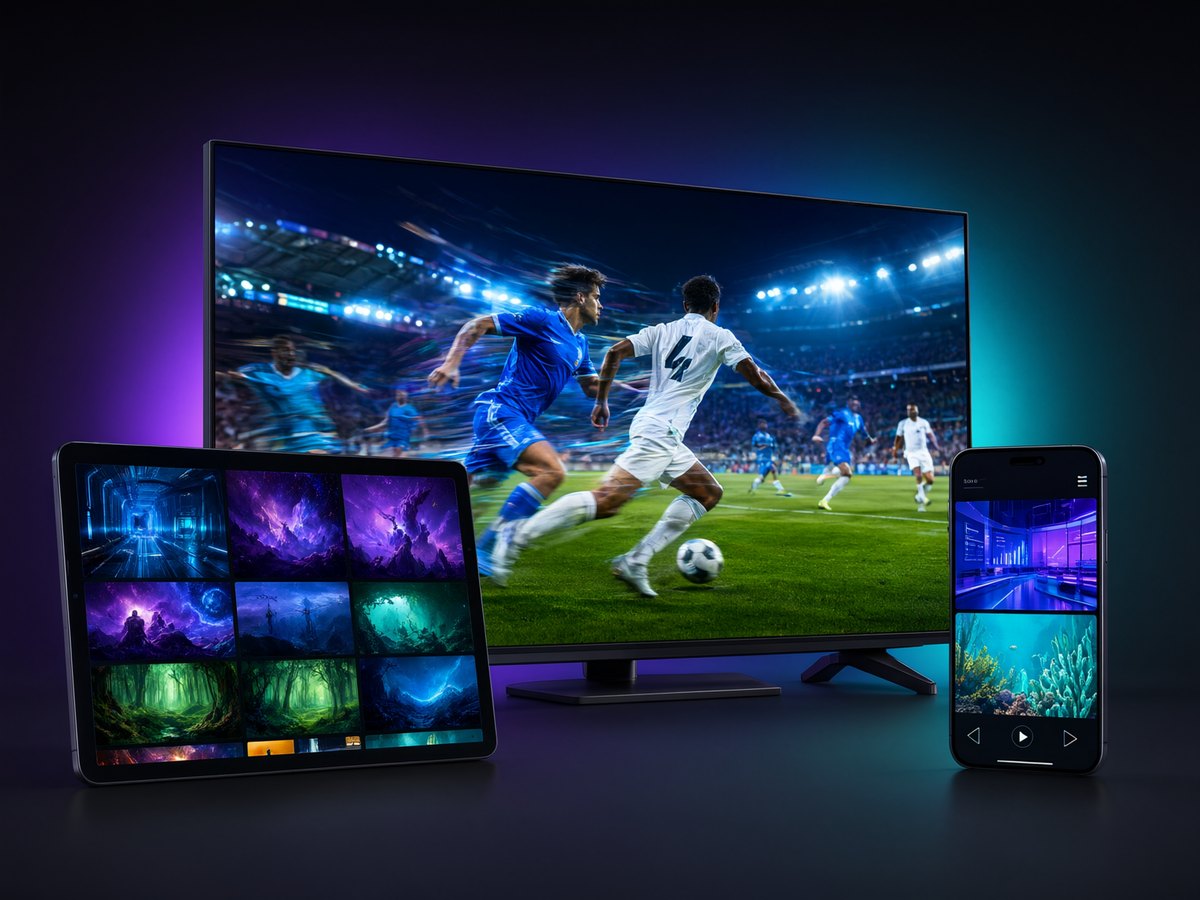
Playly TV Yearly Plan — Live TV, Sports & Movies for Android Devices
Watch on any Android phone, tablet, TV box or Fire Stick — 12 months of Playly TV live TV, live sports and movies in one app. No activation code, just sign in.
What you get with the Playly TV Yearly Plan
One subscription, twelve months, everything in one app — and it works on any Android phone, tablet, Android TV box or Amazon Fire TV Stick (even a Windows PC via an emulator). Live TV channels, live sports and a large library of on-demand movies and series, with no activation code.
- Live TV — news, entertainment and general channels streamed over the internet.
- Live sports — follow the action without a separate sports package.
- Movies & series — a growing on-demand catalogue to watch anytime.
A full year in one app
The yearly plan covers a full 12 months of Playly TV — pay once and keep watching all year.
One login, all your devices
Install Playly TV on your phone, tablet and TV, and sign in with the same details. Your subscription works across your Android devices — one device at a time.
No activation code — just sign in
After your payment is confirmed, you receive a server address, username and password. Open the Playly TV app, sign in with those details, and start watching. There is no activation code to enter.
How to get started
- Complete your purchase.
- Receive your login details with your order.
- Install the app from the Download page if you don't have it.
- Sign in and start watching. Need help? See the FAQ.
FAQ
Do I need an activation code?
No. You sign in with a server address, username and password sent after purchase.
Which devices are supported?
Any Android phone or tablet, Android TV boxes, the Amazon Fire TV Stick, and a Windows PC via an emulator.
Can I watch on more than one device at the same time?
Your subscription works on one device at a time. You can install the app on several devices and sign in on one of them at a time.